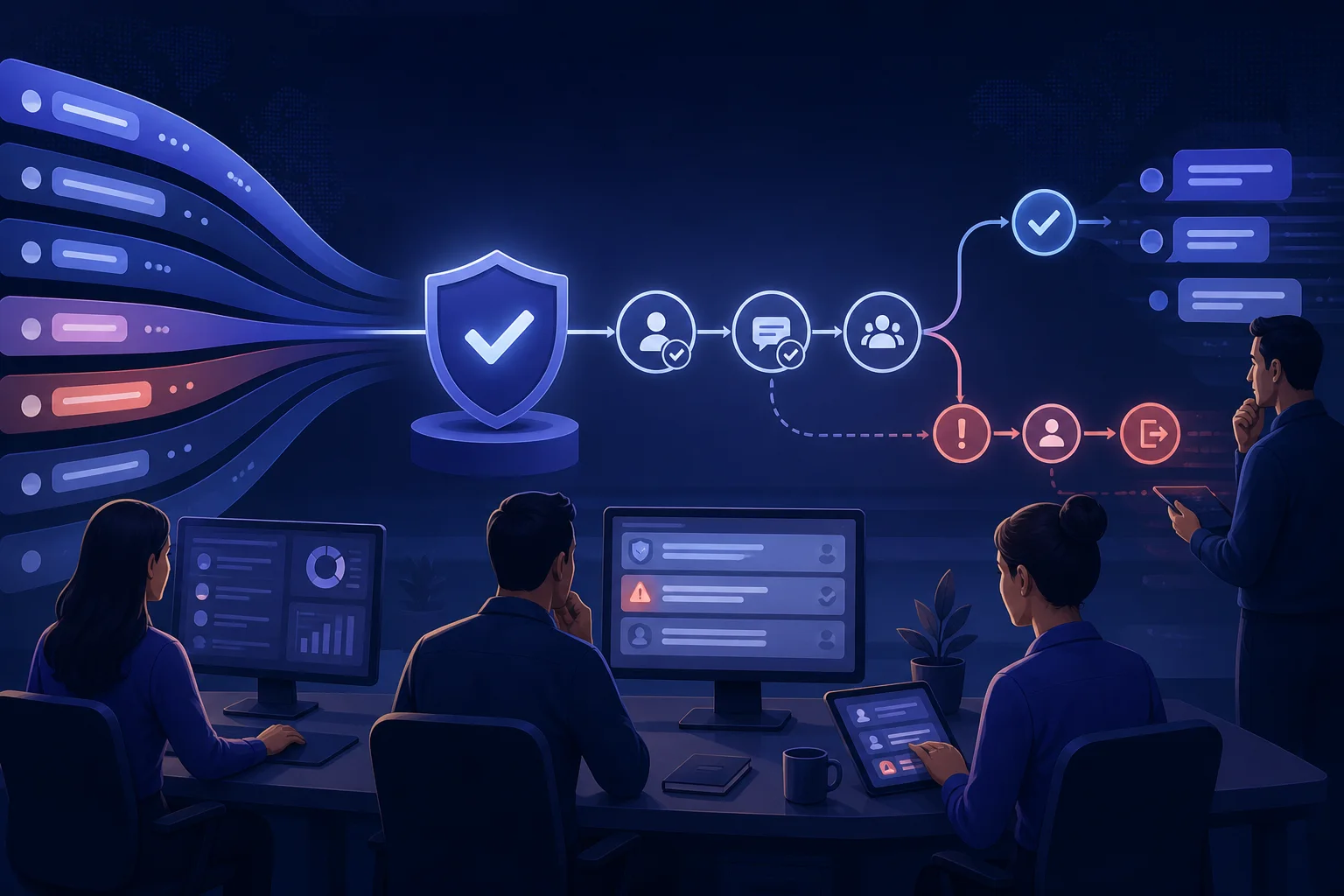
A WhatsApp Business restriction is rarely fixed by rewriting one sentence. The operation must be able to explain why a person received a message, stop sends quickly, identify the responsible workflow, and correct the audience, frequency, content, or consent record that created the problem.
What actually creates quality risk
The WhatsApp Business Messaging Policy says significant negative feedback can lead to limited or removed access. It also explains that blocks, reports, and a quality tier that stays low can reduce how many messages a business may send. The WhatsApp Messaging Guidelines prohibit repeated unwanted contact, spam, unofficial clients, and automation used to harm users or the integrity of the service.
Operationally, risk grows when the recipient's expectation and the message do not match. Common causes include vague consent reused for unrelated purposes, an old list, a campaign that fails to exclude recently served customers, broken variables, sudden frequency increases, and an opt-out path that does not update every sending system. High volume can multiply a mistake, but permission and relevance come first.
| Operational risk | Preventive control | Evidence to retain |
|---|---|---|
| Unexpected audience | Segment by purpose and current consent state | Source, wording, timestamp, and opt-in category |
| Message without context | Name the business, event, and expected action | Template, version, and trigger rule |
| Excessive frequency | Cap contact per person and coordinate campaigns | Calendar and send history |
| Ignored opt-out | Suppress the contact before the next applicable send | Event, category, timestamp, and confirmation |
| Automation with no exit | Provide a direct route to a person | Handoff test and accountable queue |
| Large-scale error | Use a pilot, sample review, and pause control | Approval, batch, and go/no-go decision |
Separate official indicators from internal signals
Use the status shown in official Meta or WhatsApp tools as the source of truth for quality, restrictions, and policy enforcement. Documentation and thresholds can change, so do not hard-code numerical limits into a permanent playbook without reviewing the current official source. Provider or integration alerts are useful, but they do not replace the official account and phone-number state.
Alongside that state, monitor signals your team can investigate: opt-out requests by category, contacts who say they do not recognise the business, campaign-level failures, negative replies, duplicate sends, missing variables, spikes linked to a list source, and conversations that ask for a human but never reach a queue. WhatsApp's Business Terms state that businesses receive aggregate counts for sent, delivered, and read messages. Reconcile those events with the webhooks and message-status guide, but never treat a read receipt as satisfaction.
- Official phone-number status and policy warnings
- Sent, delivered, and failed messages by template, purpose, and source
- Processed opt-outs and time to suppression
- Negative replies and contacts who do not recognise the message
- Per-person frequency and overlapping campaigns
- Variable, link, and language errors
- Human requests and successful handoff
Put a quality gate before every send
A campaign or automation should not launch until it has a purpose owner, a current audience source, exclusion rules, the correct template, tested variables, a queue for replies, and an authorised person who can pause it. Business-initiated conversations on the Platform must use approved templates under the policy. During the 24-hour customer-service window after the user's last message, keep the exchange relevant to the request and preserve a prompt, clear, direct escalation path.
- Define the expectation: describe the event, message category, and value to the recipient.
- Reconcile the audience: remove opt-outs, duplicates, records without evidence, and contacts outside the intended context.
- Review the message: check identity, category, locale, variables, links, and the reply you expect.
- Test the return path: reply, opt out, request a person, and simulate a missing data source.
- Release a sample: inspect delivery failures and real conversations before scaling.
- Keep a pause owner: one accountable person must be able to stop the flow without waiting for a software release.
Connect this gate to the opt-in and opt-out operating guide and the template governance checklist. Consent controls who should receive a message; the template catalogue controls what may be sent, when, and with which data.
What to do when quality falls or a restriction appears
Do not respond to a warning by accelerating another number, switching to an unofficial client, or splitting the same audience across accounts. Pause the suspected flows, preserve evidence, and verify the official state. Identify the first time the status changed, active templates, audience sources, owners, recent changes, and opt-out events that did not reach suppression.
- Stop the related campaigns and automations without deleting logs.
- Confirm the warning in the official surface and record the account, number, time, and scope.
- Separate policy, consent, content, audience, frequency, integration, and credential causes.
- Review a conversation sample before and after the warning began.
- Correct the cause, test opt-out and human handoff, and resume with a small batch only when permitted.
- Use the official review or appeal path when applicable; do not promise a restoration time.
The Business Terms allow WhatsApp to limit, throttle, suspend, or terminate an account depending on the breach and its circumstances. They also state that users may block the company, mark messages as spam, or report the business. Recovery therefore has to improve the recipient's experience, not merely restore a technical status.
How to organise the control loop in Signaldesk
Use Signaldesk to bring served conversations together, route replies to an accountable queue, preserve context between agents, and track who owns the next action. Consistent fields or labels can record purpose, source, campaign, template, and an opt-out request; AI can support classification and summarisation under human review. Confirm the events and integrations available in your workspace before relying on any automation.
Signaldesk does not determine a phone number's official quality, replace WhatsApp Manager, or guarantee that a restriction will be removed. Its role is to make the operating trail easier to reconstruct: the team can locate the conversation, owner, rule, and corrective action. Combine it with the multiple-agent WhatsApp model and routing with acceptance and fallback.